Sprite Tester
Toolkit
Master the tester to verify loop integrity, align animation frames accurately, test on retro console rigs, and package your final assets.
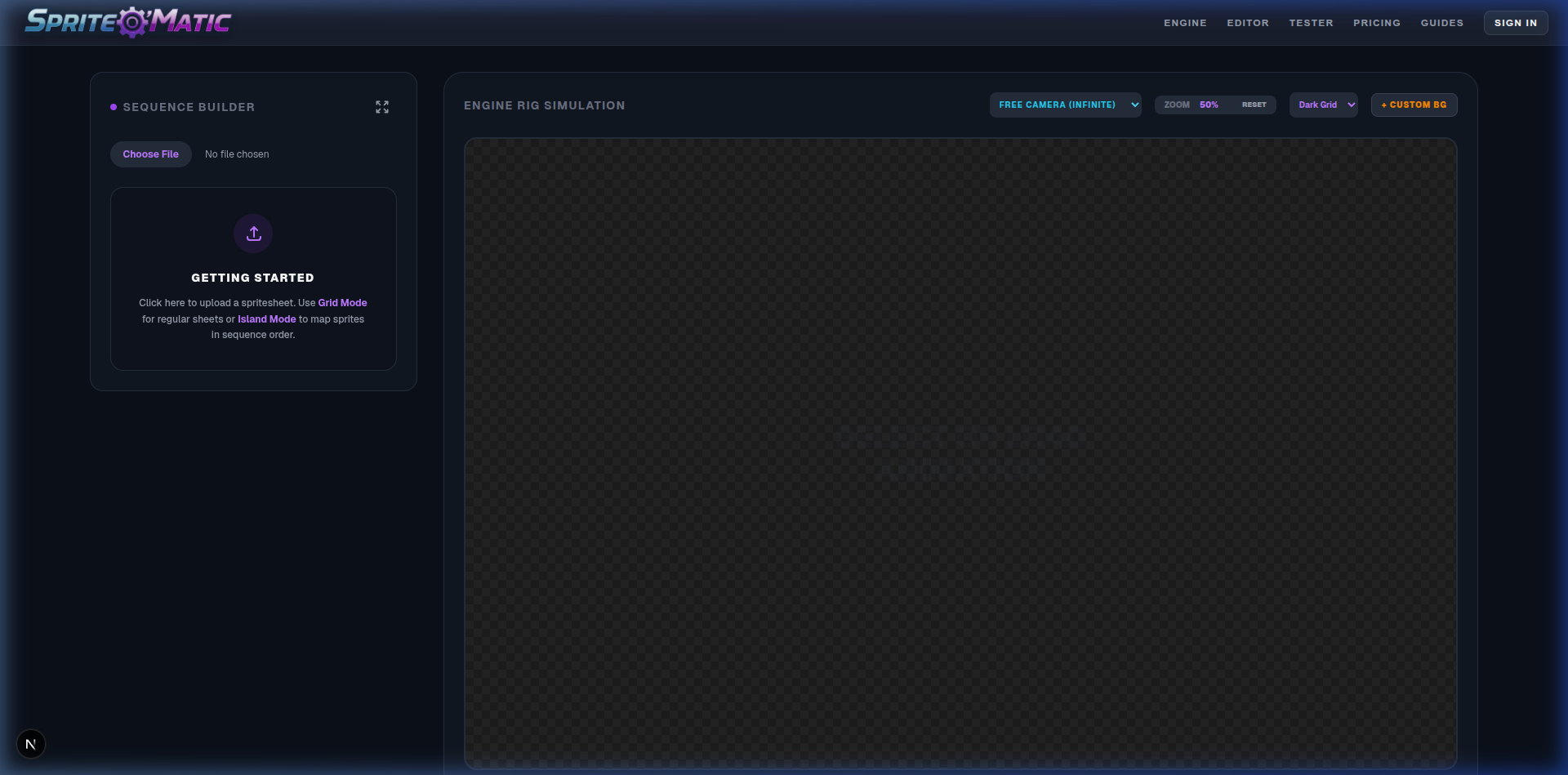
Sequence Building
The Tester allows you to build animation sequences manually from raw sprite sheets using two distinct methods.
Grid Mode
Strictly cuts the uploaded image into evenly distributed rows and columns. Best for mathematically perfect sprite sheets generated directly by software.
Click Smart Guess Grid to have the algorithms automatically scan for power-of-two divisions (e.g. 64x64) or horizontal strips.
Island Mode
Uses an automatic detection system to find independent clusters of pixels separated by transparency. Best for messy or arbitrarily packed sprite sheets.
After scanning the map, literally click the detected sprites in the exact numbered order you want them to play back in your loop.
Engine Simulation Rigs
Test how your character physically fits inside restricted retro gaming hardware constraints.
Console Resolutions
Select a rig from the dropdown (e.g. SNES, GameBoy Advance, Neo Geo). This spawns a hard-border viewport showing the exact native resolution limit of that hardware.
Scale References
Toggle References to spawn accurately sized placeholder boxes of legendary characters (like Mario, Sonic, or Samus) to ensure your sprite isn't accidentally 12 feet tall.
Environment Testing
Drop your sprite into stock backgrounds built for that hardware (or upload your own custom .PNG background) to verify your color contrast and readibility.
Animation FPS
Adjust the global playback speed to match your game engine tick rate. Most high-action retro 2D games loop combat sequences at 12 to 15 FPS.
Cloud Saving & Packaging
Once your sequence is visually perfect, click Save Animation. This uploads the raw JSON animation instructions, scale metrics, array order, and timeline adjustments to your cloud Projects list.
Bake the aligned viewport into a perfectly looping GIF for Discord or social media exhibition.
Generate a unified 2D Texture Atlas. All offsets and stabilization adjustments will be permanently baked into the final PNG!